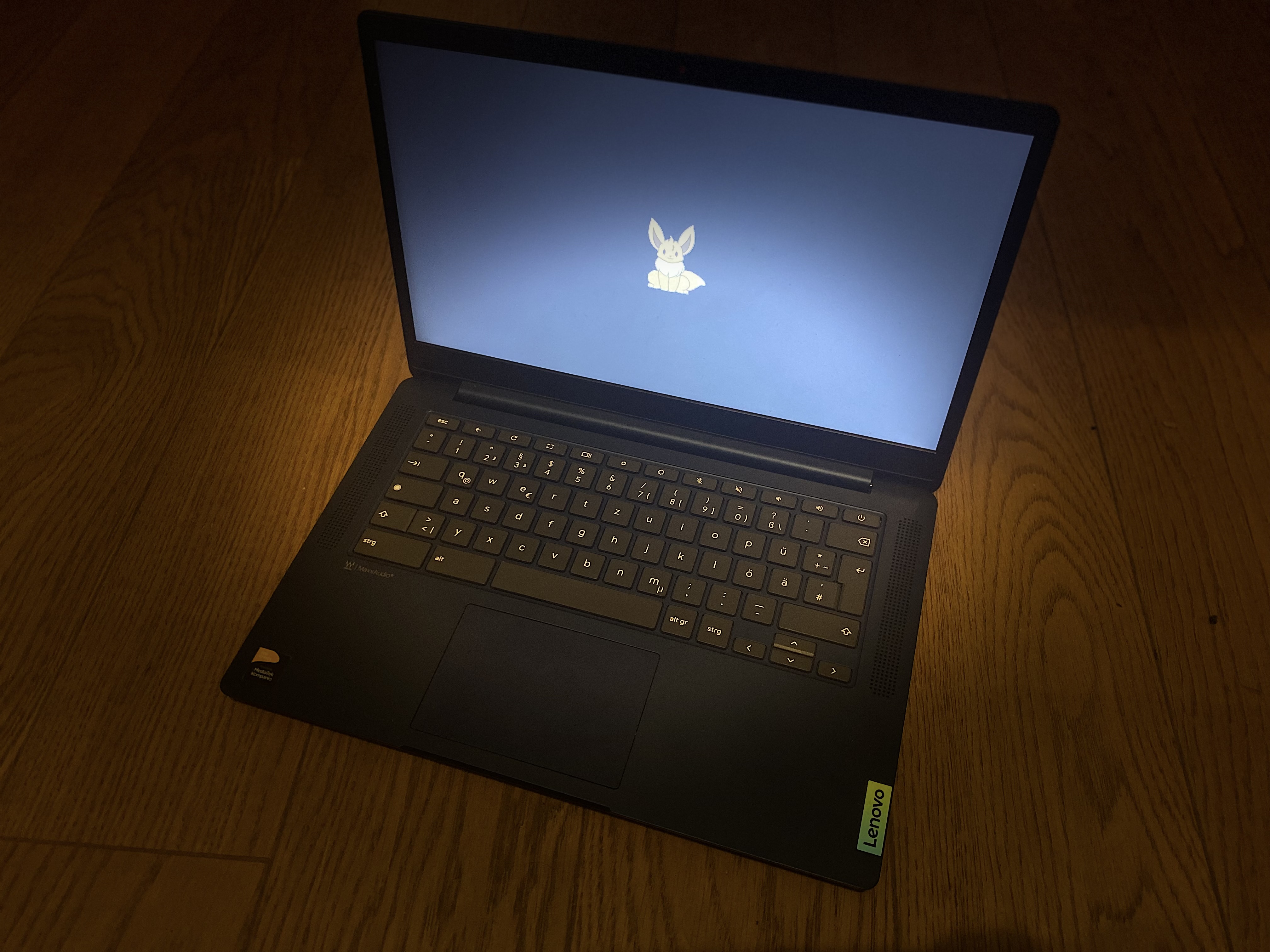
as we know chromebooks have special keyboard with some keys missing or being different
i thought i might go over a process of modifying the keyboard to make it function "properly" (it's up to preference)
the easiest way to modify specyfic key on a keyboard is using keyd
we can install it on our system with following commands
after that modifying keys is as easy as editing
currently on my machine (lenovo IdeaPad duet 5) i use this config
in order to check the name of button on a keyboard you can use
to make it easier on ppl wandering here are names for special keys
on older chromebooks u can set f1-f12 key to act the way it's shown on physical keyboard
-
-
-
-
-
for more info on this program pls visit https://github.com/rvaiya/keyd
this i an universal way but not the only one
when it comes to gnome, inside settings -> keyboard -> show and customize shortcuts
you can bind specific button to specific shortcut
the brightness manipulation is missing from settings but you can set it with this commands
Note. this is only for old chromebooks, modern chromebooks already work without this set